• Skip to main navigation
  • Skip to main content
  • Skip to footer
Cambrian College Teaching and Learning Innovation Hub Logo

Cambrian College Teaching & Learning Innovation Hub

Supporting Teaching and Learning at Cambrian College

  • ResourcesGrab and go / usable resources
    • Preparation
      • Course Development
      • Program Development
      • Open Educational Resources
      • Accessibility Checklist
      • Quality Criteria for Digital/Online Learning
      • GenAI Resources
    • Delivery
      • Semester Start Checklist
      • Have a Good First Day
      • Classroom Management
      • Active Learning
      • FLEX Classroom Resources
      • Designing Lessons using BOPPPS
    • Assessment
      • Academic Integrity
      • Rubrics
      • Checklists
      • Open-Book Online Tests
    • Inclusion
      • Universal Design for Learning
      • Indigenous Inclusion
      • Cultural Diversity
      • Personal Pronouns
      • Student Accommodations
      • Accessibility
  • TechnologiesMoodle, eGrades, Software, Hardware
    • Tools
      • EdTech Overview
      • Moodle
      • YuJa Panorama – Moodle Accessibility
      • Respondus LockDown Browser
      • eGrades
      • Microsoft Copilot AI
      • Teams
      • Zoom
      • Padlet
      • Nearpod
      • Clockwork
      • EquatIO
  • PD / EventsCalendar, recordings, bookings
    • Events Calendar
    • Learning Opportunities
    • Communities of Practice
    • Instructional Skills Workshop (ISW)
    • Learning Journeys Showcase
    • Newsletter
    • Blog
    • Next Level Program
  • New FacultyNew hire immediate resources
    • Orientation
      • Full-time Faculty Orientation
      • Contract Faculty Orientation
    • Faculty Resources
      • Faculty Handbook
      • How to Cancel a Class
      • Office Hours
      • Performance Evaluation
      • Teaching Philosophy
  • About
    • About the Hub
    • Our Services
    • Teaching and Learning Framework
  • Contact
    • Contact Us
  • SearchUse this search bar to navigate our website.
  • Skip to menu toggle button

Author: Josee Beaulieu

Teams Meeting Instructions for Students

Posted on: December 4, 2025 December 4, 2025 Written by: Josee Beaulieu
Downloading Teams As a best practice, we recommend downloading and installing Microsoft Teams on your personal device. Students receive an Office 365 suite license through the college, and Teams is included as part of that suite. You can access it…
Continue reading “Teams Meeting Instructions for Students”…
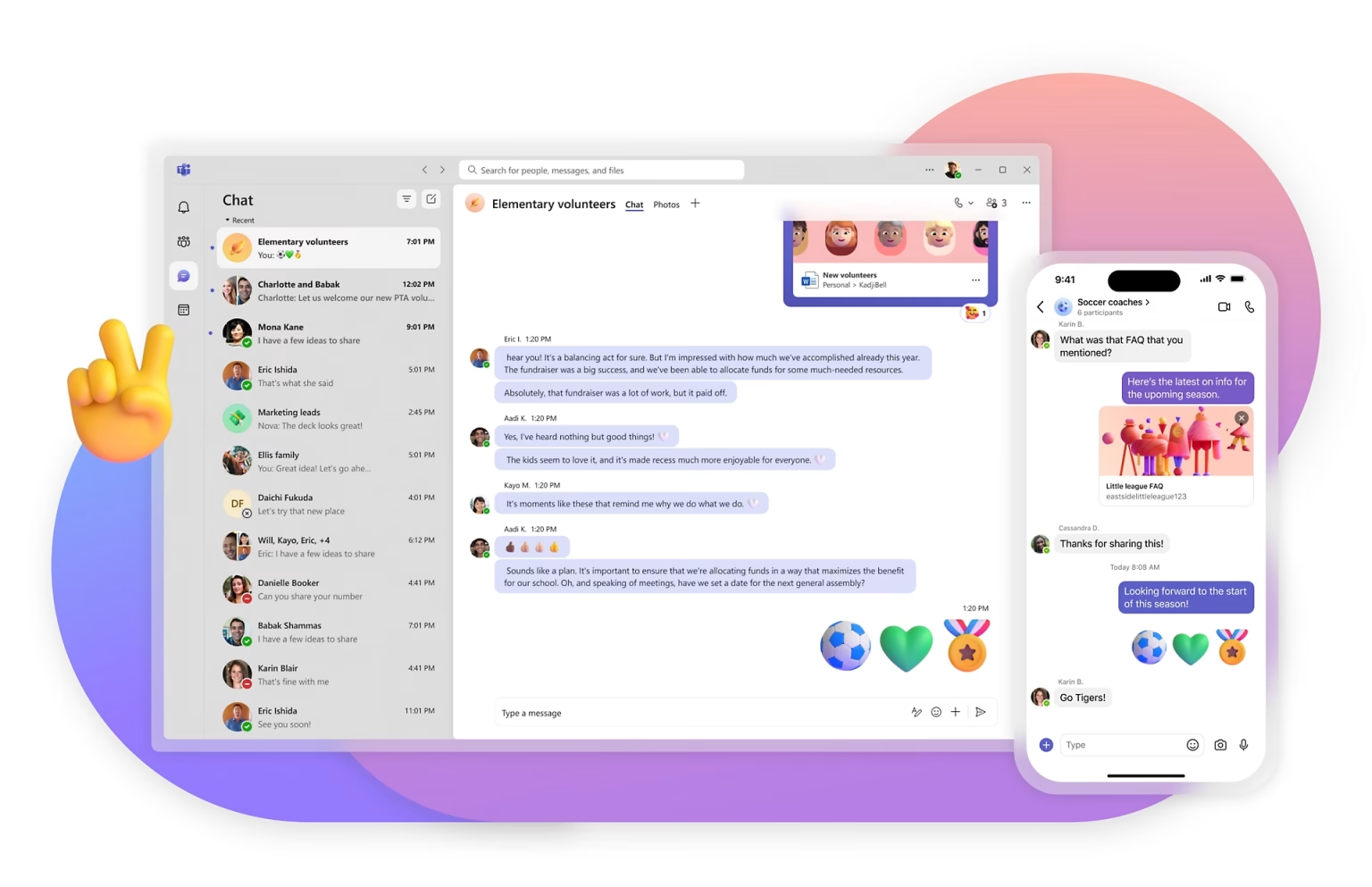
A depiction showing the user view of Microsoft Teams on the desktop and mobile apps.

Moving from Zoom to Microsoft Teams

Posted on: November 26, 2025 December 3, 2025 Written by: Josee Beaulieu
With 2026 just around the corner, we’re approaching the end of the Zoom era at Cambrian. While many of us have fond memories of using Zoom to meet colleagues’ pets and to stay connected during the pandemic, it’s time for…
Continue reading “Moving from Zoom to Microsoft Teams”…

Moodle Update: User Overrides and LTI Integrations

Posted on: August 6, 2025 September 4, 2025 Written by: Josee Beaulieu
Continue reading “Moodle Update: User Overrides and LTI Integrations”…
Moodle 4.5 Icon

Moodle 4.5 Upgrade Information

Posted on: April 24, 2025 August 25, 2025 Written by: Josee Beaulieu
We are upgrading Moodle from version 4.1 to 4.5! This version focuses on usability, performance, and flexibility — offering a more intuitive interface, time-saving tools, and new ways to organize content. Scheduled Moodle Upgrade – April 29, 2025 There will…
Continue reading “Moodle 4.5 Upgrade Information”…

📊 Unbelievable Microsoft Word Equation Magic! Watch Your Equations Transform Into Text!

Posted on: October 2, 2023 October 18, 2023 Written by: Josee Beaulieu
Continue reading “📊 Unbelievable Microsoft Word Equation Magic! Watch Your Equations Transform Into Text!”…

Recent posts

12 Dec

CrowdPurr

Continue reading “CrowdPurr”…
11 Dec

Learning for Justice

Continue reading “Learning for Justice”…
10 Dec

Microsoft Planner

Continue reading “Microsoft Planner”…
09 Dec

Moodle Icon Creator

Continue reading “Moodle Icon Creator”…

Have a Question?

Email the hub team.

teaching@cambriancollege.ca

The Teaching and Learning Innovation Hub supports faculty and staff at Cambrian College through the exploration, experimentation and creation of enhanced learning experiences.

Follow us on Social Media:

YouTube Logo LinkedIn Logo

Helpful Links

  • Hub Events Calendar
  • Contact Us
  • Course Development
  • Generative AI Resources
  • Moodle
  • eGrades

Hub Blog

12 Dec

CrowdPurr

Continue reading “CrowdPurr”…
11 Dec

Learning for Justice

Continue reading “Learning for Justice”…
10 Dec

Microsoft Planner

Continue reading “Microsoft Planner”…
09 Dec

Moodle Icon Creator

Continue reading “Moodle Icon Creator”…
Copyright 2025 © Cambrian College | Teaching & Learning Innovation Hub | Sitemap | Privacy Policy