

On May 6, Moodle will be upgraded to version 5.1.
Your courses and content will not be affected, but some tools and interfaces will look and behave a little differently.
This update focuses on usability and workflow improvements, making it easier to navigate and manage your course content.
Scheduled Maintenance
Moodle will be temporarily unavailable while the update is installed and tested.
- Date: Wednesday, May 6, 2026
- Time: TBD
What’s Changing
Activity Chooser
- Activities and resources are now grouped into categories, making it easier to browse and find what you’re looking for
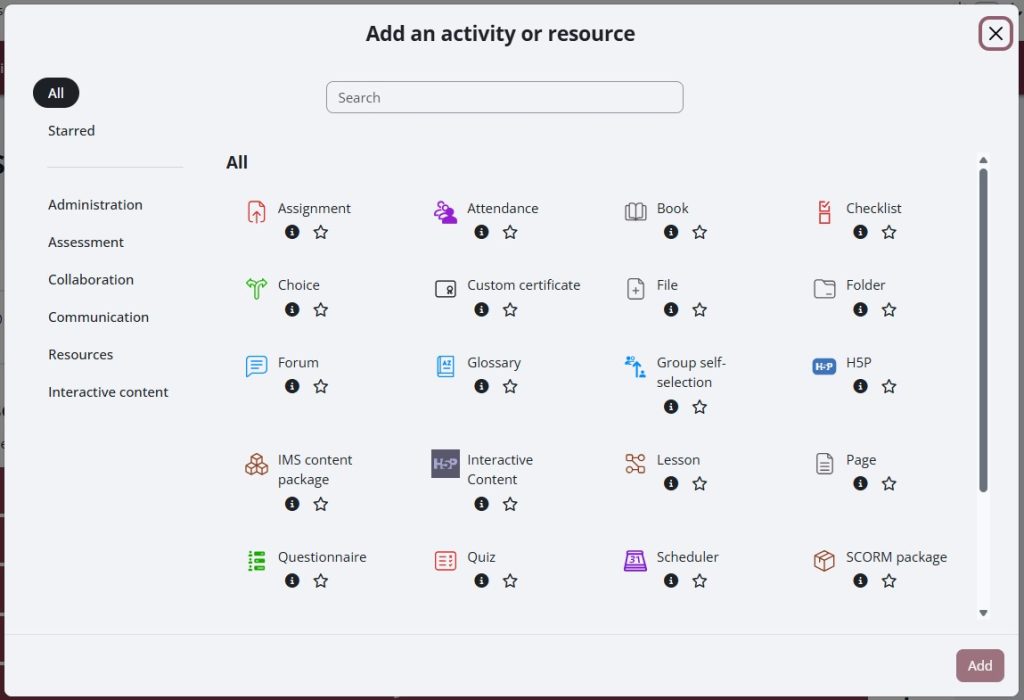
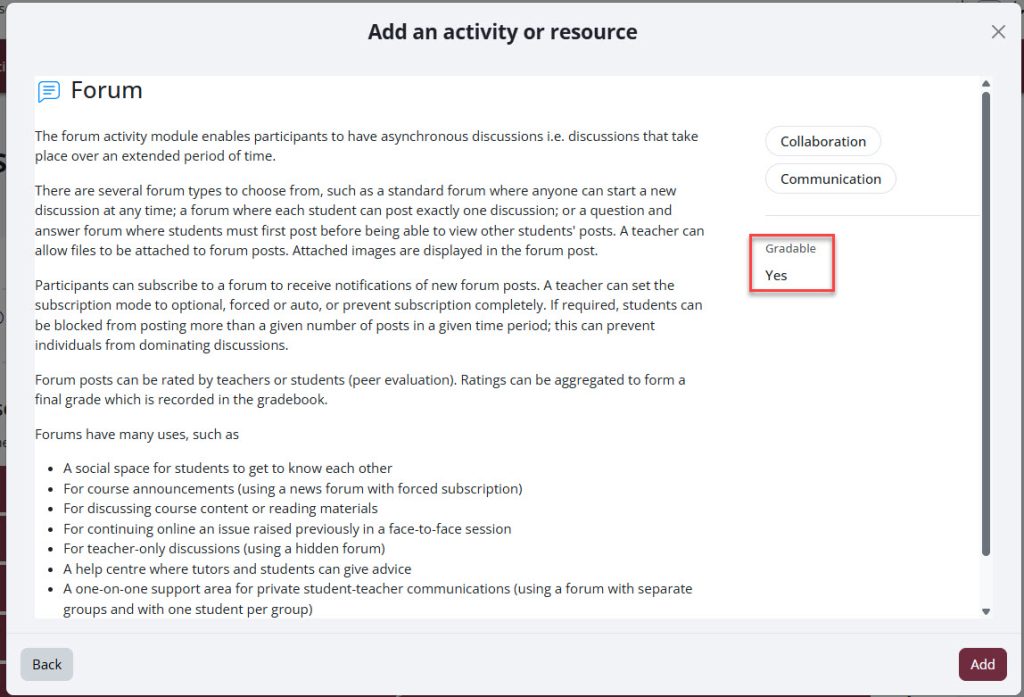
- Each activity includes an updated description of its purpose and indicates whether it is gradable, helping you choose the right tool more quickly
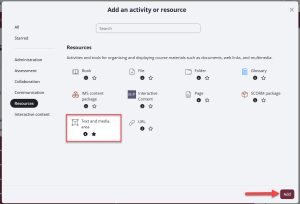
- To add an activity, you will now select it first and then click “Add” to confirm placement in your course
Question Bank
- Questions are connected to the course-level question bank, helping keep content organized. A new layout separates categories and questions, making it easier to manage large banks. The question banks are no longer accessible from the Quiz administration menu.
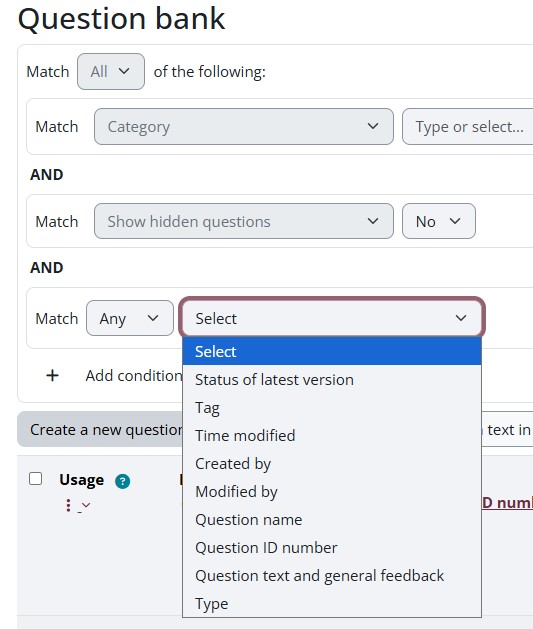
- Improved filtering options allow you to quickly find, sort, and organize your questions
More detailed information about Question Bank changes is available on the Moodle 5.1 Question Bank Changes page.
Grading Interface
- The grader panel is now resizable, allowing you to adjust your workspace while reviewing and grading student submissions
What’s Staying the Same
- No content will be lost
- No courses need to be rebuilt
- The main change is how tools are organized and displayed
- Most users will just need a few minutes to get comfortable with the updated layouts
Need Help?
We’re here to support you:
- Email us at teaching@cambriancollege.ca
- Visit our Knowledge Base for step-by-step guides
- Explore Moodle Docs for additional resources
Drop-in Support Sessions
- Wednesday, May 6 – 1:00 PM to 2:30 PM – in-person (Hub Classroom 1271B) or online (Teams)
- Friday, May 8 – 2:00 PM to 2:30 PM – in- person (Hub Classroom 1271B) or online (Teams)
View full schedule on our Events Page